
From Zero to Automated: Setting Up Your Etsy-to-Pinterest Pipeline
Why an Automated Pipeline Changes Everything
Most Etsy sellers know they should be on Pinterest. The platform drives high-intent traffic, content has a long shelf life, and the buyer demographics overlap perfectly with Etsy's marketplace. Yet the vast majority of sellers either don't have a Pinterest presence or maintain one inconsistently — because the manual effort required is simply too time-consuming.
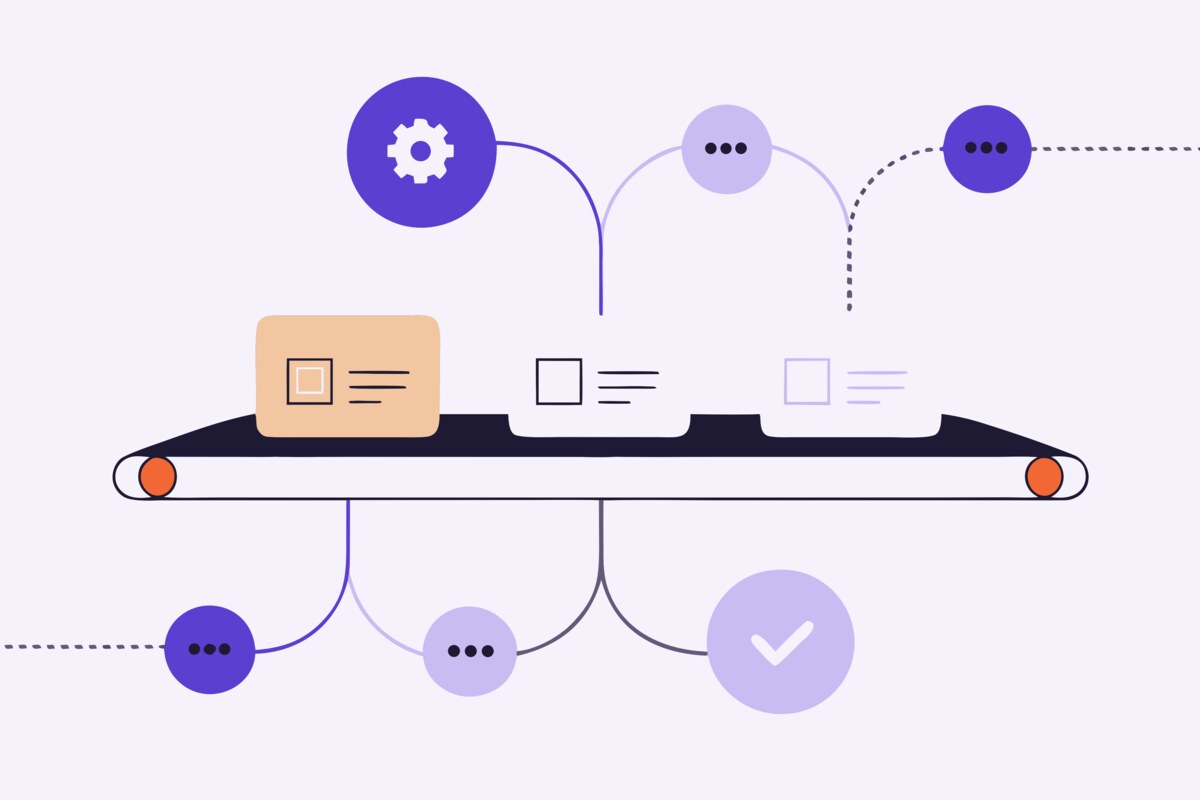
An automated Etsy-to-Pinterest pipeline solves this by creating a direct connection between your Etsy shop and your Pinterest account. When you add, update, or manage listings on Etsy, those changes flow automatically to Pinterest without any manual intervention. The result is a consistently active Pinterest presence that grows alongside your Etsy shop.
Step 1: Prepare Your Etsy Shop
Before connecting your accounts, ensure your Etsy shop is ready for automation. The quality of your automated pins depends entirely on the quality of your Etsy listings.
Organize your sections. Your Etsy sections will map to Pinterest boards, so they need to be clearly defined and logically structured. If you have a catch-all "Other" section with miscellaneous products, reorganize them into specific categories before setting up the pipeline.
Optimize your listing images. Your primary listing photo becomes your pin image. Ensure it's high-quality, well-lit, and clearly shows your product. Vertical images (2:3 ratio) perform best on Pinterest, but your standard Etsy listing photos will still work.
Complete your titles and descriptions. Automated pin descriptions are generated from your listing content. The more complete and keyword-rich your Etsy titles and descriptions are, the better your Pinterest pins will perform in Pinterest search.
Step 2: Set Up Your Pinterest Business Account
If you don't already have a Pinterest Business account, create one. Business accounts are free and give you access to analytics, Rich Pins, and the API access that automation tools need.
Claim your Etsy shop URL on Pinterest — this enables Rich Pins, which automatically display your product's price, availability, and description directly on the pin. Rich Pins add credibility and increase click-through rates significantly.
Create your initial board structure based on your Etsy sections. You don't need to match every section perfectly at this stage — you'll refine the mapping in the next step. Focus on having at least one board per major product category.
Step 3: Connect and Map Your Accounts
This is where the automation tool bridges your Etsy shop and Pinterest account. The connection typically works through OAuth — a secure authentication process where you grant the tool permission to read your Etsy listings and create pins on your Pinterest account.
Once connected, the most important configuration step is section-to-board mapping. This defines where each of your Etsy products will appear on Pinterest:
Your "Ceramic Mugs" Etsy section maps to your "Handmade Ceramic Coffee Mugs" Pinterest board. Your "Gift Sets" section maps to your "Gift Ideas for Her" board. And so on for each section in your shop.
A well-thought-out mapping ensures every pin lands on the most relevant board where it'll be discovered by the right audience. Some tools also offer auto-mapping that suggests board matches based on section names and content similarity — a huge time saver for shops with many sections.
Step 4: Configure Pin Settings
Before activating the pipeline, review how your pins will be created:
Image selection: Most automation tools use your primary listing photo. Some allow you to choose which image is used or create pins from multiple listing images.
Description template: Configure how pin descriptions are generated. The best descriptions combine your listing title, key details from your description, and relevant keywords in a natural-sounding format optimized for Pinterest search.
Link destination: Each pin should link directly to your Etsy listing. Verify that the URLs are correct and include any tracking parameters you want for analytics.
Step 5: Activate and Monitor
With mapping and settings configured, activate the sync. Your existing Etsy listings will be created as pins on their mapped boards. Going forward, any new listings you add to Etsy will automatically generate corresponding Pinterest pins.
During the first week, check your Pinterest profile to verify that pins are appearing correctly: right boards, correct images, proper descriptions, and working links. Adjust your mapping or settings if anything looks off.
After the initial setup period, shift to a weekly monitoring cadence. Check your Pinterest Analytics for impressions, saves, and outbound clicks. Identify which pins and boards are performing best, and use those insights to inform your Etsy listing optimization.
What to Expect After Launch
Pinterest is a long-game platform. Unlike social media where results are immediate (or never), Pinterest content takes 2-4 weeks to gain traction as the algorithm tests it with different audiences. Don't expect overnight traffic spikes.
What you should expect is a steady, growing stream of referral traffic that compounds over time. Each pin you add expands your discoverable surface area on Pinterest. After 2-3 months of consistent automated pinning, most sellers see a measurable increase in external traffic to their Etsy shop.
The beauty of automation is that this growth happens without ongoing time investment. While you focus on creating products and fulfilling orders, your Pinterest presence is actively working to bring new buyers to your shop.
Setting Up Your Pipeline with ShopBoostly
ShopBoostly handles every step of this pipeline: connect your Etsy and Pinterest accounts via secure OAuth, map your sections to boards (with auto-mapping suggestions for faster setup), and activate the sync. Your entire Etsy catalog is automatically represented on Pinterest with optimized descriptions and correct board placement. New listings, updates, and deactivations are synced automatically — a true set-it-and-grow-it solution for cross-platform marketing.
Related Articles
How AI is Revolutionizing Etsy Selling in 2026
Explore how artificial intelligence tools are helping Etsy sellers optimize listings, save time, and increase sales.
AI-Powered Listing Optimization: What It Is and How It Works
Understand how AI analyzes your Etsy listings and provides specific, actionable suggestions to improve your titles, tags, and descriptions.
The Etsy Seller's Guide to Listing Health Scores
Learn what listing health scores measure, why they matter, and how to use them to systematically improve your Etsy shop.
Ready to boost your Etsy shop?
Try ShopBoostly and start optimizing your listings today.
Join early access