
How to Create Pinterest Pins That Drive Traffic to Your Etsy Shop
Why Pin Quality Matters More Than Quantity
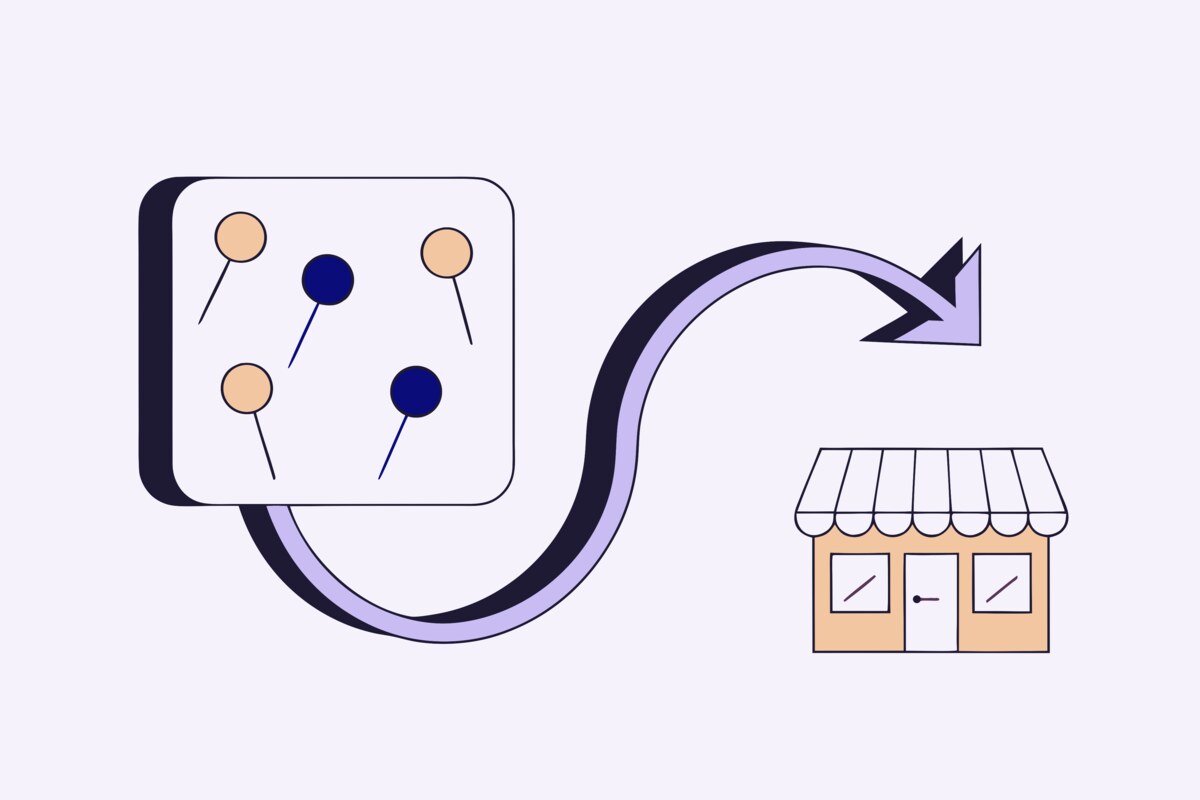
On Pinterest, your pin is your storefront window. It's the single element that determines whether someone scrolls past or clicks through to your Etsy listing. A mediocre pin for an amazing product will underperform every time, while a stunning pin can drive thousands of clicks even for a simple product. Investing time in pin quality pays dividends for months because high-performing pins continue generating traffic long after they're published.
The good news is that you don't need graphic design skills or expensive tools to create effective pins. Understanding a few core principles — and applying them consistently — is all it takes to create pins that outperform the competition.
Pin Design Best Practices
Pinterest's feed is optimized for vertical content. Pins with a 2:3 aspect ratio (1000×1500 pixels is the sweet spot) take up more visual space in the feed and consistently outperform square or horizontal images. This is the single most important design rule to follow.
Your product photo should be the hero of every pin. Use well-lit, high-resolution images that clearly show your product. Lifestyle photos — your product in use or in a styled setting — tend to generate more saves and clicks than plain product-on-white-background shots, though both have their place.
Text overlays can boost click-through rates when used strategically. Add a short, compelling headline that communicates the value: "Handmade With Love," "Perfect Gift for Her," or "Free Shipping." Keep text to 6-8 words maximum and use a bold, readable font. Avoid cluttering the image — the product should remain the focal point.
Consistent branding ties your pins together. Use the same fonts, color palette, and logo placement across all your pins so that Pinterest users start recognizing your content in their feed. Brand recognition builds trust and increases click-through rates over time.
Writing Pin Descriptions That Rank
Your pin description is where Pinterest SEO happens. Unlike Etsy, where tags carry the SEO weight, Pinterest relies heavily on pin descriptions to understand what your content is about and who to show it to. A great description is the difference between 100 impressions and 10,000.
Write 2-3 sentences that naturally incorporate the keywords your ideal buyer would search for. Think about what problem your product solves or what occasion it suits: "This handmade ceramic mug is the perfect cozy morning coffee companion. Made with food-safe glaze in a minimalist design that complements any kitchen. A thoughtful gift for coffee lovers, housewarming, or birthdays."
Include a clear call-to-action: "Shop now on Etsy," "Click to see more colors," or "Visit our shop for matching pieces." Pinterest users need a gentle nudge to move from browsing to clicking.
Don't stuff keywords unnaturally — Pinterest's algorithm is sophisticated enough to detect and penalize keyword spam. Write for humans first, then ensure your target keywords appear naturally within the text.
Choosing and Organizing Your Boards
Your board structure is your Pinterest shop layout. Well-organized boards make it easy for Pinterest's algorithm to categorize your content and for human visitors to browse your profile. Create boards that mirror your Etsy shop's product categories, and use keyword-rich names and descriptions for each board.
For example, instead of a board called "Products," create specific boards: "Handmade Ceramic Mugs," "Minimalist Kitchen Decor," "Coffee Lover Gift Ideas." Each board name should contain keywords that buyers search for.
Write detailed board descriptions (up to 500 characters) that include relevant keywords. This description helps Pinterest understand the board's theme and match it with user searches. Update your board descriptions seasonally to capture trending search terms.
Consider creating a few curated boards beyond just your products. A board about "Cozy Kitchen Styling Ideas" or "Gift Wrapping Inspiration" attracts followers who are interested in your niche and may discover your product boards as a result.
Building a Sustainable Pinning Strategy
The most common pinning mistake is inconsistency — pinning 50 items in one day and then nothing for two weeks. Pinterest's algorithm rewards regular, consistent activity. Aim for 3-10 pins per day, spread throughout the day rather than all at once.
Create multiple pin designs for your best-selling products. Different images, text overlays, and styles appeal to different audiences. A lifestyle shot might resonate with gift buyers, while a close-up detail shot attracts the product enthusiast. Testing multiple pin designs for the same product is one of the highest-ROI activities on Pinterest.
Seasonal planning is critical. Start pinning holiday and seasonal content 45-60 days before the event. Pinterest users plan ahead — they're searching for Christmas gift ideas in October and summer decor in April. If you wait until the season starts, you've already missed the peak search window.
Measuring and Optimizing Results
Pinterest Analytics (available with a business account) shows you exactly how your pins perform. Focus on these key metrics: impressions (how many people see your pins), saves (how many people pin your content to their boards), and most importantly, outbound clicks (how many people click through to your Etsy shop).
Saves are particularly valuable because each save puts your pin in front of that user's followers, creating a ripple effect. A pin with high saves will continue generating impressions and clicks for months. Study your top-performing pins and identify what they have in common — then replicate those elements in future pins.
Don't get discouraged by slow starts. Unlike social media where results are immediate (or never), Pinterest is a long game. Most pins take 2-4 weeks to gain traction as the algorithm tests them with different audiences. Patience and consistency are rewarded.
Scale Your Pinterest Presence
Manually creating, describing, and scheduling pins for every product in your Etsy shop is time-intensive — especially if you have dozens or hundreds of listings. ShopBoostly automates this entire workflow by syncing your Etsy listings directly to Pinterest with optimized pin descriptions and proper board mapping. Every new listing you add to Etsy automatically becomes a discoverable pin on Pinterest, ensuring your entire catalog is working to drive traffic without any manual effort.
Related Articles
Why Every Etsy Seller Needs Pinterest: The Ultimate Traffic Source
Discover why Pinterest is the most underutilized traffic source for Etsy sellers and how to leverage it.
Automating Your Pinterest Strategy: Save Hours Every Week
Learn how to automate your Pinterest marketing workflow so you can focus on creating products instead of managing social media.
Pinterest SEO for Etsy Sellers: A Complete Guide
Master Pinterest's search algorithm with keyword strategies, board optimization, and pin descriptions that get your products discovered.
Ready to boost your Etsy shop?
Try ShopBoostly and start optimizing your listings today.
Join early access